


Recently, I had to use my camera's memory card and card reader in place of a USB to have a file printed in some tarpaulin printing shop. And... it got infected. As soon as I inserted it into my lappie's USB slot, my Avast antivirus software was quick to detect the infection. After I got it fixed, my files were gone - files which were very important (photos of a recent event).
If you are experiencing the same incident as I have, don't panic. You can retrieve your files.
 First off, you have to know that your files are still stored in your memory card. To check, Goto Computer window and in the Devices with Removable Storage you will see your memory card property confirming this (__GB free of ___ GB, which indicates usage). So do not Format immediately.
What to do:
If you are experiencing the same incident as I have, don't panic. You can retrieve your files.
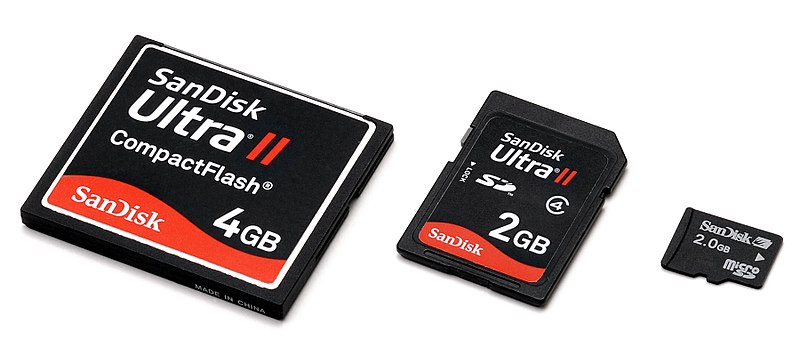 First off, you have to know that your files are still stored in your memory card. To check, Goto Computer window and in the Devices with Removable Storage you will see your memory card property confirming this (__GB free of ___ GB, which indicates usage). So do not Format immediately.
What to do:
- Windows Start >> Type in Run
- Open cmd.exe by typing in cmd
- Type N: (replace N with the letter of your Drive), press enter
- Then attrib -s -h /s /d *.* and press enter
- Goto your memory card folder and you'll see your lost files.
Most of the time, what happens when a device is infected is that files and folders are hidden. And these steps will help you get them back.
:)


